Under Education Strategy 2030, Video-Enhanced Learning (VEL) refers to the use of video to support teaching and learning at Queen’s. When used effectively, video can help students revisit complex concepts, catch up on missed content, and engage more flexibly with their learning.
Video-Enhanced Learning at Queen’s is underpinned by the QUB Recording of Teaching Policy and associated guidance, which support the University’s commitment to delivering an inclusive and accessible learning environment.
This page brings together the key resources, guidance, training, and support available to help you use video effectively in your teaching.
What Can Video-Enhanced Learning Look Like?
Video-Enhanced Learning can take many forms depending on the learning context and staff preferences. It is advised to let your students know at the start of the semester what your broad approach to Video-Enhanced Learning will be. You may take one approach or a mixture of a few. Where possible, we recommend having a discussion as a programme team for consistency across a programme of study.
Examples of Video-Enhanced Learning approaches include:
Lecture recording, including full or partial recordings of live teaching sessions
Short instructional videos to support approaches such as flipped learning
Video-based assessment and feedback, including student-created video content
Video-Enhanced Learning is not limited to video capture. Audio-only recordings can also be an effective way of supporting student learning, particularly in cases where staff prefer not to appear on camera.
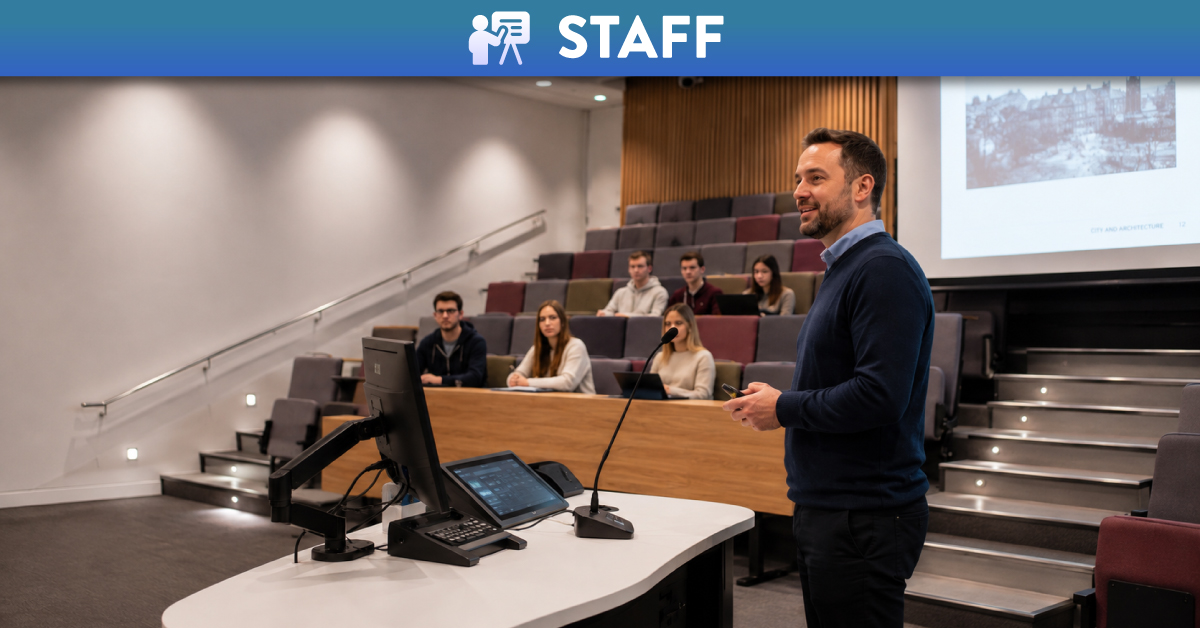
Lecture recording is one of the most common forms of Video-Enhanced Learning at Queen’s. Lectures are scheduled to be recorded automatically using Panopto and are made available to students through Canvas 48 hours later. Lecture recordings are intended to supplement, rather than replace, attendance at live teaching sessions. Guidance for students on how to make effective use of lecture recordings can be found in Make the Most of Lecture Recordings: A Guide for Students.
Staff retain professional autonomy over which parts of their teaching get recorded. They may choose to opt out of automated recordings, exclude particular sessions from being recorded, or pause specific portions where appropriate. Staff can also edit a recording after class if required.
Further guidance on lecture recording, including preparation, scheduling and frequently asked questions, is available below.
Panopto
Panopto is Queen’s supported platform for Video-Enhanced Learning. Fully integrated with Canvas, it provides a secure and accessible environment for recording. Panopto can be used for lecture recording, creating short instructional videos, student video assignments and audio-only recordings.
Video content created using other tools, such as Microsoft Teams or OBS, can also be uploaded to Panopto for easy storage and sharing with students, with everything in one place.
New to Panopto? Access your dashboard below or click Panopto Video in the course navigation menu of any Canvas course. Step-by-step guidance on how to use Panopto is available on QUB’s Panopto support pages. You can also register for live Panopto training (see below for details).