Vevox – Getting Started with Polls | Q&A | Surveys
Enhancing Engagement with Vevox: An Introduction to Polls, Q&A, and Surveys Duration: 90 minutes (including Q&A) Target Audience: All staff Venue: MS Teams (A meeting link will be shared before […]

Enhancing Engagement with Vevox: An Introduction to Polls, Q&A, and Surveys Duration: 90 minutes (including Q&A) Target Audience: All staff Venue: MS Teams (A meeting link will be shared before […]
A SharePoint business/communication site allows you to share news, reports, status, and other information in a visually compelling format. When you add a modern page to a site, you add […]
In this short, introductory session, QUB staff will be introduced to the University's video content management system, Panopto. Panopto is a best-in-class video platform that complements the Unversity's approach to […]
Discover how to create interactive learning tools using Microsoft Copilot. In this hands-on workshop, you will learn to "Vibe Code", describing the pedagogical purpose of a tool to let AI […]
Microsoft Bookings is an Office 365 scheduling app that lets you configure an online booking calendar that integrates with Outlook. Use it to create a booking form that allows QUB […]
Microsoft Lists is a productivity app included with Microsoft 365 that allows you to organize your thoughts, create lists with your teammates, and share lists throughout the organization. In this […]
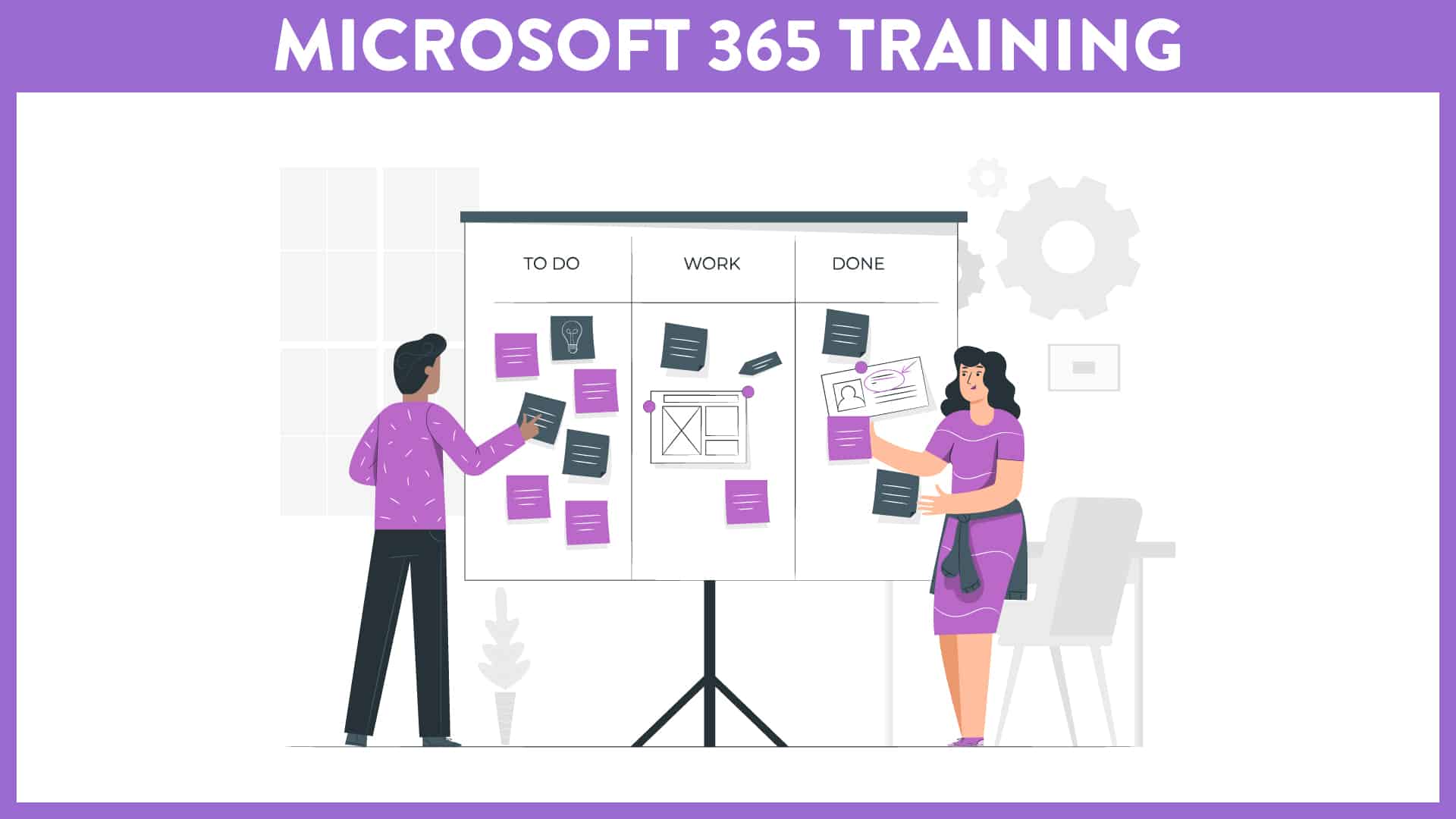
Virtual Course offered via MS Teams This course (offered over two separate sessions - Part I (1 hour) and Part II (1 hour)) is aimed at staff who wish to […]
Virtual Course offered via MS Teams This course (offered over two separate sessions - Part I (1 hour) and Part II (1 hour)) is aimed at staff who wish to […]
Enhancing Engagement with Vevox: An Introduction to Polls, Q&A, and Surveys Duration: 90 minutes (including Q&A) Target Audience: All staff Venue: MS Teams (A meeting link will be shared before […]
More details to follow... Access on iTrent
Discover how to create interactive learning tools using Microsoft Copilot. In this hands-on workshop, you will learn to "Vibe Code", describing the pedagogical purpose of a tool to let AI […]