Further Power Automate
Check back soon for more information. Access on iTrent

Check back soon for more information. Access on iTrent

This practical course is the essential starting point for anyone interested in learning how to produce spreadsheets using Microsoft Office Excel and forms an ideal basis for further courses in […]
The aim of the is session is to introduce you to the key features and functionality of OneDrive to help optimise your use of the app in day-to-day work processes. […]
Continuing from Excel 1: Essentials, this course looks at how to arrange and display both numeric and non-numeric data in Excel to present it in a meaningful manner. Through a […]
More details to follow.. Access on iTrent
A SharePoint business/communication site allows you to share news, reports, status, and other information in a visually compelling format. When you add a modern page to a site, you add […]
Microsoft Bookings is an Office 365 scheduling app that lets you configure an online booking calendar that integrates with Outlook. Use it to create a booking form that allows QUB […]
Microsoft Lists is a productivity app included with Microsoft 365 that allows you to organize your thoughts, create lists with your teammates, and share lists throughout the organization. In this […]
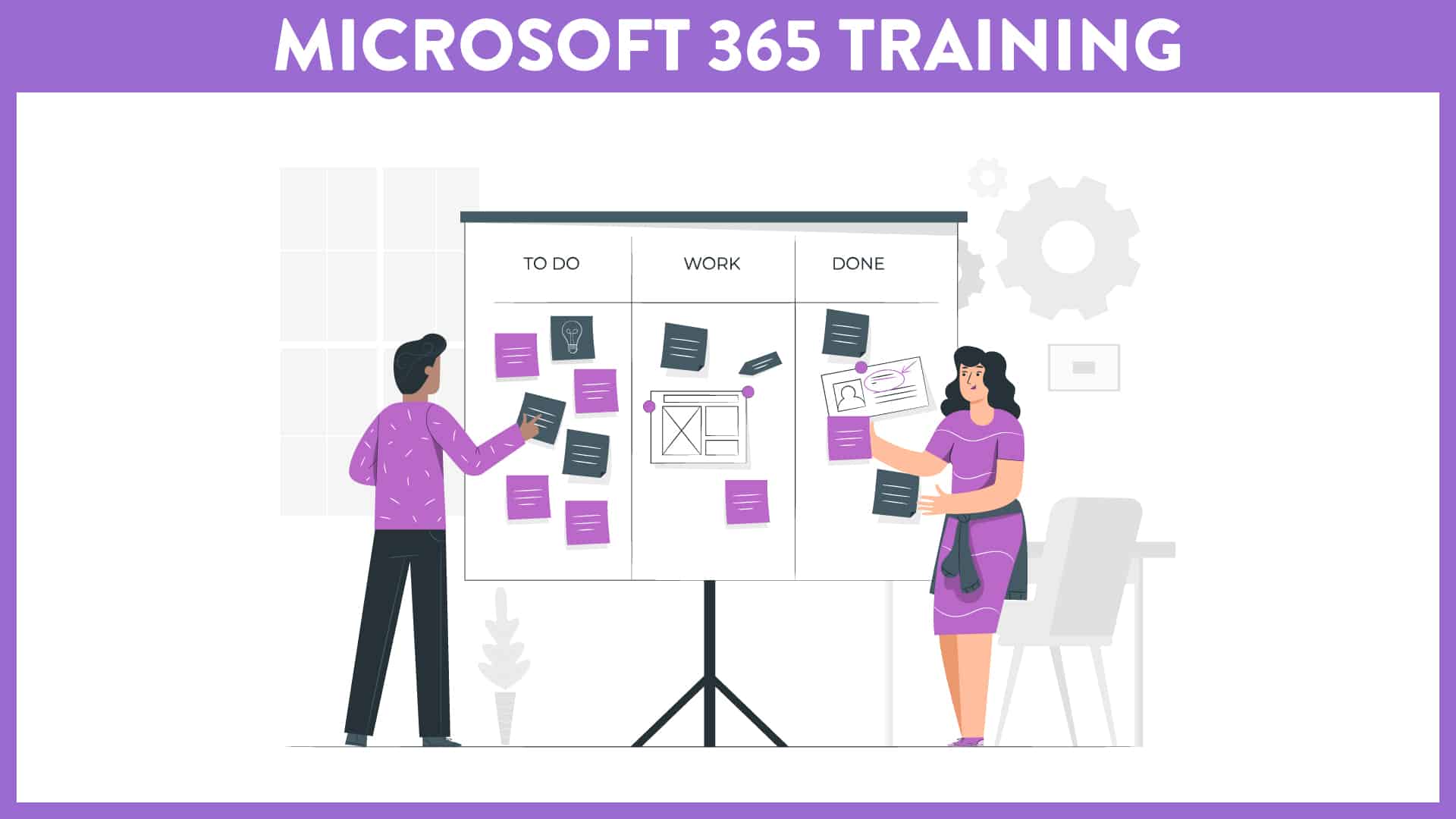
Virtual Course offered via MS Teams This course (offered over two separate sessions - Part I (1 hour) and Part II (1 hour)) is aimed at staff who wish to […]
Virtual Course offered via MS Teams This course (offered over two separate sessions - Part I (1 hour) and Part II (1 hour)) is aimed at staff who wish to […]