As Queen’s University Belfast prepares to welcome students and staff for the upcoming academic year, several exciting updates have been introduced to the Canvas Virtual Learning Environment (VLE) to enhance teaching, learning, and digital engagement. From redesigned discussions and announcements to the rollout of Canvas New Quizzes and improved Panopto video integration, these changes aim to streamline course delivery and enrich the student experience.
September 2025
Collaborate with Lucidchart and Lucidspark in Canvas
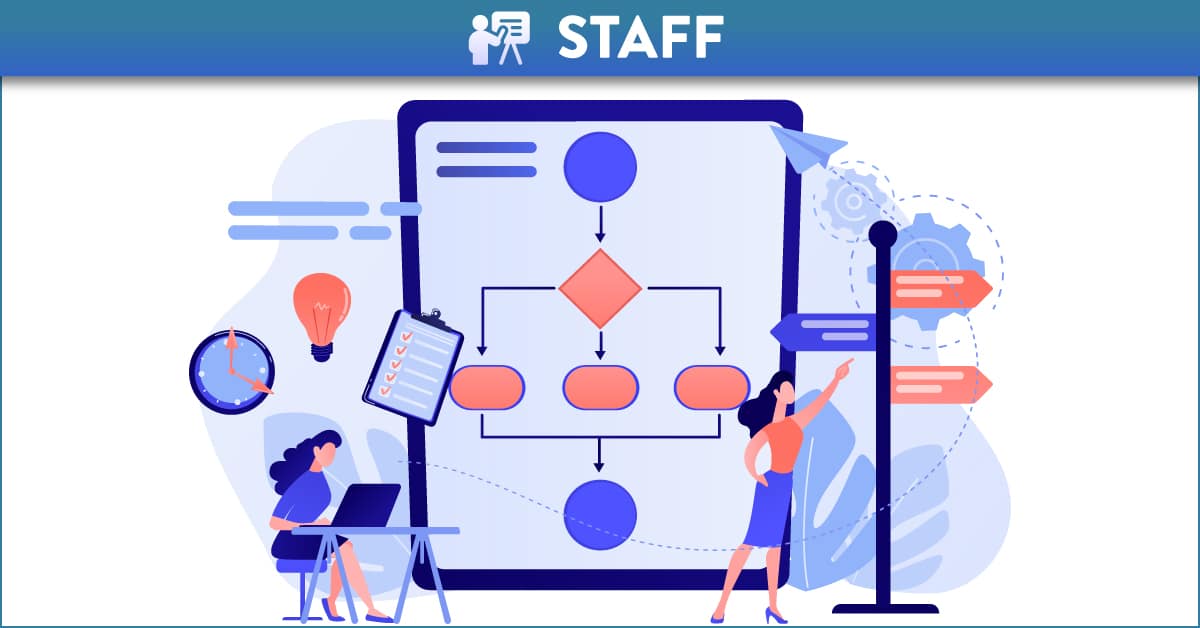
Starting in September 2025, QUB staff will be able to access Lucidspark and Lucidchart directly within Canvas. Lucidspark is perfect for collaborative brainstorming and team ideation, while Lucidchart makes it easy to create diagrams, flowcharts, and process maps. Staff can activate their free accounts via their Canvas profile. For more details and ideas on how to use these tools in your teaching, check out the full blog post.
Canvas Updates You Might Have Missed
A series of small but useful updates have recently been added to QUB’s Canvas VLE that staff may have missed. These enhancements are designed to make everyday tasks more efficient and intuitive. This post highlights a few of these quieter changes to help staff continue to get the most out of their Canvas.
September 2024
Getting Started with New Quizzes
Canvas New Quizzes is available to use in Canvas! There is an array of settings you can adjust to enhance your quizzes for students. View tips and tricks to elevate your quizzes with Canvas New Quizzes: Getting Started Guide. The New Quizzes Feature Comparison table shows the current functionality available in New Quizzes compared to Classic Quizzes. Classic Quizzes will continue to be available to use alongside New Quizzes throughout AY2025/26.
August 2024
Transitioning to the Canvas Plagiarism Framework: A 10-Step Guide
The Canvas Plagiarism Framework (CPF) has replaced the Turnitin integration in Canvas (Turnitin 1.1). This provides a new method for Turnitin assignment set-up and submission as well as a simplified workflow for both staff and students. It addresses many limitations of the previous Turnitin integration in Canvas. Follow guidance on the 10 Steps to Transition to the Canvas Plagiarism Framework here. The Student Turnitin Guide and the Turnitin Guide for Staff have been updated to reflect recent changes. Be sure to review these updated resources to stay informed on the latest features and best practices.
June 2024
Canvas Discussions and Announcements: A New Look and Improved Features
Canvas Discussions and Announcements has had a refresh! The update has automatically been applied to all Canvas courses and no action is required as existing content will automatically update. The redesign offers an improved user interface and enhanced features like mentions, quotes, and anonymous discussions. Read more about the redesign and its benefits including guidance on using anonymous discussions here.