

Numbas Integration with Canvas Retirement
Over the last few years, there have been two ways to use Numbas within our instance of Canvas:
- Numbas using an LTI: this is the method that has been advised over the recent years, but which will now be removed.
- Numbas using SCORM: this is the only method to using Numbas in Canvas going forward.
On 27 August 2025, we will be retiring the option of using the Numbas integration within Canvas. This post will explain how you can transition away from using the LTI, and instead use Numbas using SCORM.
Using Numbas in Canvas
If starting from a new Numbas quiz, there is a click-through guide available below showing how to upload a question from the Newcastle University website (where you make questions):
If instead you are migrating a course with an existing Numbas question into the next academic year, here’s a video showing how to transfer a question you already have within your Canvas course from the existing LTI version to the SCORM version for future use.
SCORM is fine for formative assessment but not for summative assessment as it lacks the ability to restrict the students in two ways:
- No restriction on attempts
In Canvas, there is currently no way to limit the number of attempts that a student can make (or which score to keep). Students would be able to complete the assessment as many times as they wish which results in a change of score upon each attempt.
- No restriction on time
SCORM in Canvas will not allow for any time limit on attempts either.
FAQs
The integration will be retired on 27 August 2025 – well after the August exams resits period.
If you want to use Numbas, you’ll still be able to use it but via SCORM rather than the Integration. However, since that is a different part of Canvas, you would need to re-upload the zip package that contains your Numbas quiz, as seen in the guides linked earlier in this post.
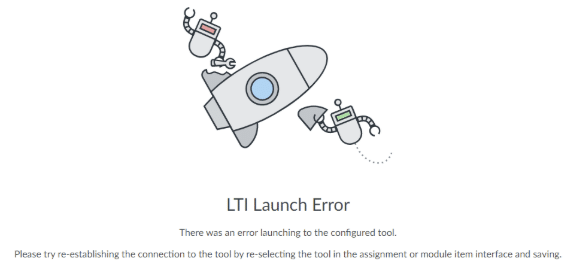
Once the Numbas integration within Canvas is switched off, users will see an error message from Canvas about that item not being found if they try to access the previous links. It should look something like this: