

Digital Portfolios
Introduction to e-Portfolios ePortfolios are digital presentations of a student’s experiences, achievements and aspirations. Creating an ePortfolio involves skills essential
Video content – don’t Lose it, Re-use it!
Many of you will have created video content during the move to online teaching as a result of the Covid
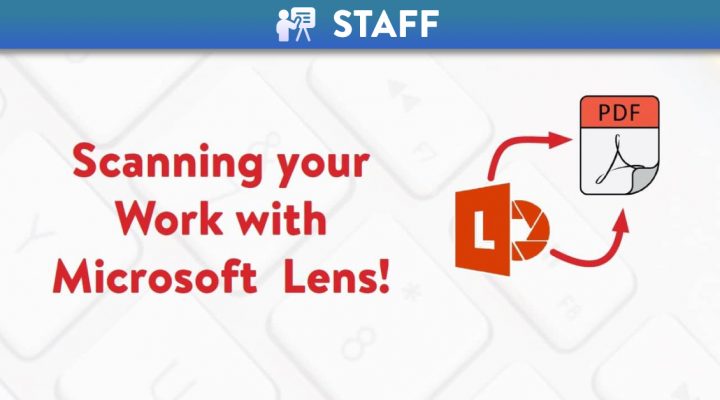
Scanning with Microsoft Lens
❗Please note that MS Lens is a standalone app for Apple and Android devices which is not supported by Queen’s
Accessible content design for learner variability: Visuals
Creating and Using Visuals Accessible visual design is better visual design for all users. When designing visuals or creating content
A-Z of Canvas Course Features
A Announcements – Course level Announcements allow instructors to communicate with students about course activities and post interesting course-related topics. They

Canvas Course Term Dates
At the end of each Academic Year, courses in Canvas will become read-only. The below table outlines the dates courses are
Canvas New Rich Content Editor
A new and improved Canvas Rich Content Editor! Canvas has updated the Rich Content Editor (RCE). It looks very similar

Alternative Resit Assessments in Canvas
When preparing for Alternative Resit Assessment in Canvas, the guidance remains the same as advised during the alternative assessment period
Caveats for using SCORM in Canvas
What is SCORM? The word SCORM is an acronym which stands for Shareable Content Object Reference Model. It is a

How to Migrate Your Canvas Course to Next Year
The learning materials that you have created in the current semester/academic year on Canvas will NOT automatically rollover into next